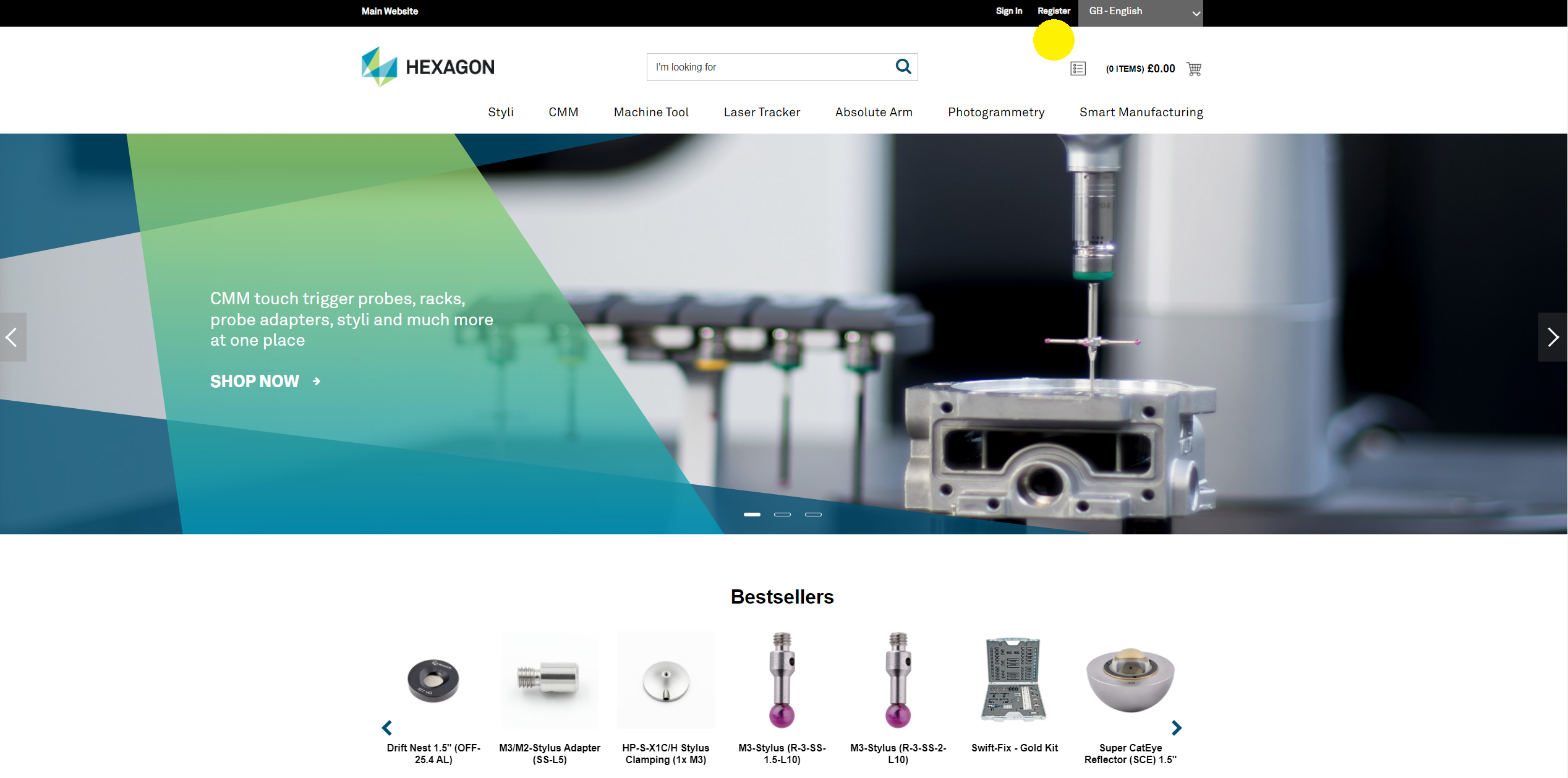
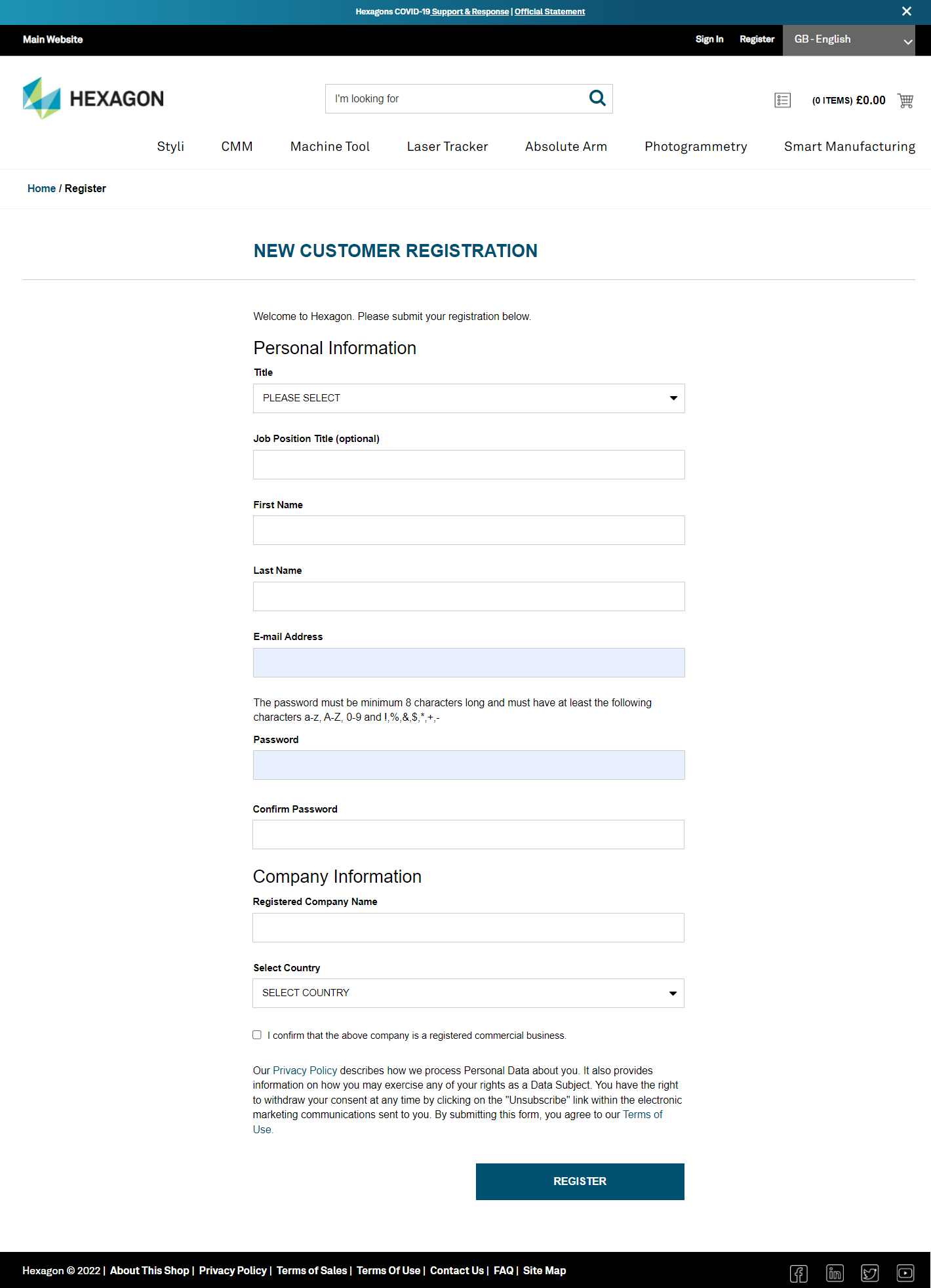
You can find your Hexagon contact information in the footer section, at the bottom right of the page or go to our Contact Us page.


Every customer must ensure they have successfully completed their registration and activated their account before placing an order. Once the customer has identified the correct products and quantities and added them to their shopping basket, they can proceed to checkout.
Whether you are buying in bulk or just a single item, the online shop takes the time and stress out of securing the measuring equipment you need. All purchases are recorded in your order history, making it easy to place repeat orders.
In our online shop, every customer can request a quotation and place an order.
a. Select products, add to cart, and click “Check out”.

b. In the shopping cart, click “Request a Quote”
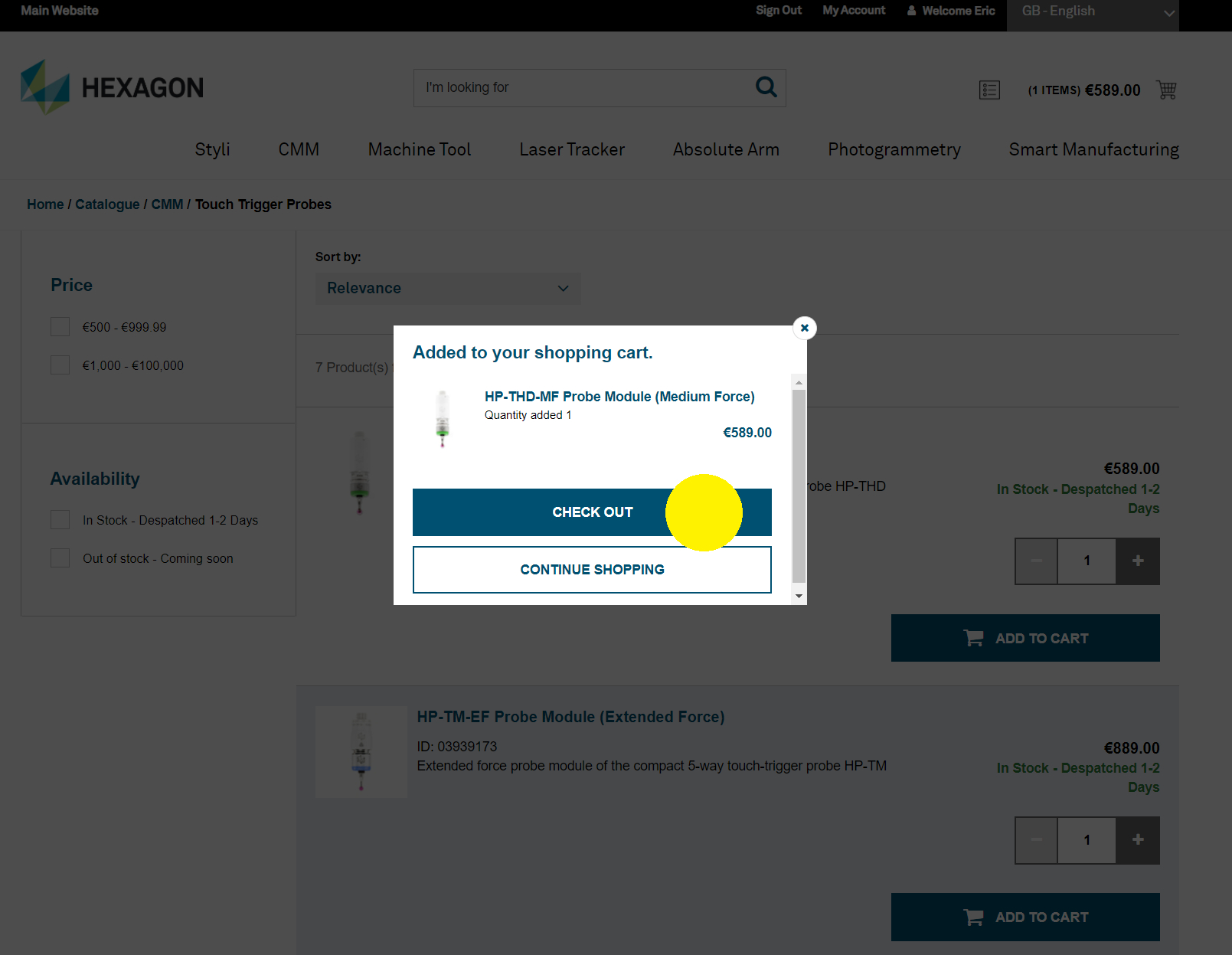

c. Review your cart and click “Submit Quote”
On this page, you can add details to your quote, such as a name, description, or comments. If you have a valid promotional code, please include it in the description field, and our team will apply it to your quote.

 d. Click “Yes” to confirm

 e. Review your Quote
After successfully submitting your quote, you can review it by going to "My Quote" under "My Account." You will also receive a confirmation in your email inbox.
Our service agent will review your request and respond within 1–2 business days. A notification will be sent to your email address when your quote is updated.

If you have received a quote notification in your inbox, please click the provided link, sign in to your account, and navigate to “My Quotes” under the “My Account” section. From there, you can open your quote and place an order by selecting the “Accept and Checkout” button. You will also have the option to edit, cancel, or download the quote as a PDF using the available buttons.

If you have a promotional code, simply enter it in the Coupon Code box on the checkout page.

Once your order has been credit-validated and approved, the Hexagon Fulfillment Center will ship all in-stock items the same day, provided the order is received by 12:00 noon. During the secure checkout process, you can choose between UPS Standard or UPS Express Saver delivery options.
Shop Hexagon will provide you with a specific tracking number via email, allowing you to track your delivery in real time on the UPS website.
Proof of delivery is available on the UPS website.
Shop Hexagon is now open for business in Andorra, Austria, Belgium, Bosnia, Bulgaria, Croatia, the Czech Republic, Denmark, Finland, France, Germany, Greece, Hungary, Republic Ireland, Italy, Latvia, Liechtenstein, Lithuania, Luxembourg, Macedonia, the Netherlands, Norway, Poland, Portugal, Romania, Serbia, Slovakia, Slovenia, Spain, Sweden, Switzerland, and the United Kingdom.
If you intend to return goods, please contact your local Hexagon Office to validate reason for return.
This point refers to Section 4 of the official online shop’s Terms and Conditions.
- Your local Hexagon office only accepts returns for web shop orders in exceptional cases.
- Returns are only accepted with prior coordination and written approval from your Hexagon Commercial Office.
- A handling fee of 30% of the goods’ value or €30.00 (whichever is higher) will be applied to cover quality check and restocking costs.
- Only undamaged goods in their original (or equivalent) packaging are accepted. Upon receipt, the goods will be inspected for defects or wear, which may reduce their value.
If you ordered a wrong item, please create a support ticket in your account. Your local office will contact you and guide you through the replacement process.
If you received a wrong item, please create a support ticket in your account. Your local office will contact you and guide you through the replacement process.
If you do not receive your order as expected, please create a support ticket in your account. Your local office will contact you and guide you through the replacement process.
If you receive damaged goods, please take clear photos of the affected items, attach them to your support ticket, and keep the packaging for reference. Depending on the situation, your local Hexagon Office will arrange a replacement, refund, or further assistance.
You can pay by credit card or invoice.
a. Invoice Payment
Dependent on the order value an invoice payment option is available with your contracted or standard payment terms.
For more details, watch our guide on placing an order using invoice payment!
b. Credit Card Payment
Dependent on the order value Hexagon will only accept payment by credit card
For more details, watch our guide on placing an order using credit card!
If you wish to pay by invoice, a minimum order value is required in some countries. Please see the details in the table below. This rule does not apply to any other EMEA countries.

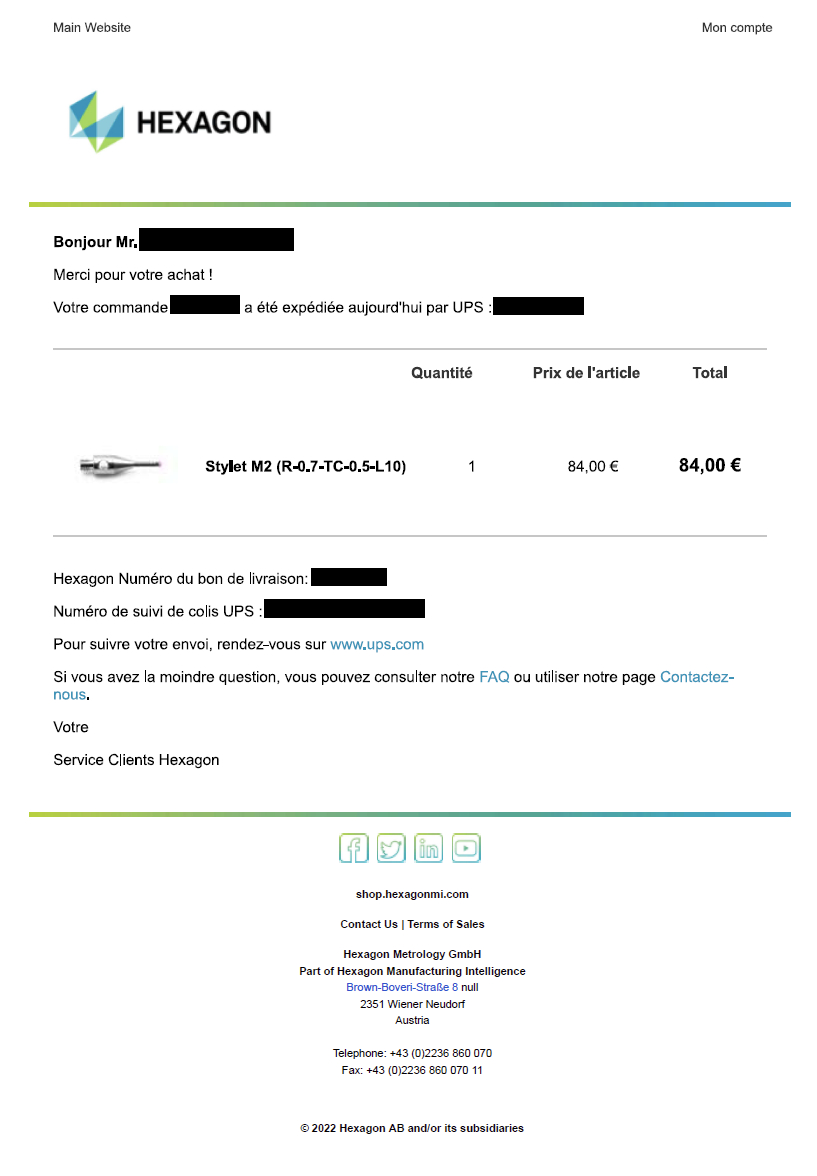
Once your order is successfully placed, you will receive an order acknowledgement via email.

The TAX value shown on your order confirmation refers to the applicable sales tax or value-added tax (VAT) based on your shipping destination and local tax regulations. This amount is calculated according to the relevant tax laws and will be included in your final invoice.
If you have a valid tax exemption, please ensure your exemption details are provided before placing the order.
Your invoice will be generated and sent to you via email once your order has been processed and shipped. If you did not receive your invoice, please check your spam/junk folder or contact your local Hexagon office for assistance.
At the moment, we do not have the option to download the invoice via Hexagon Webshop. The invoice will be sent to you via provided email.
Our Webshop will automatically redirect you to a local site based on your IP address. Each local site offers local languages as well as English. To change the language, simply click on the drop-down language menu and select your desired language. The online shop currently supports nine languages: English, German, Italian, French, Czech, Polish, Spanish, Dutch, and Hungarian.

We recommend using one of the browsers listed below to ensure the correct functionality of the online shop:- Microsoft Edge
- Google Chrome
- Safari
- Mozilla Firefox
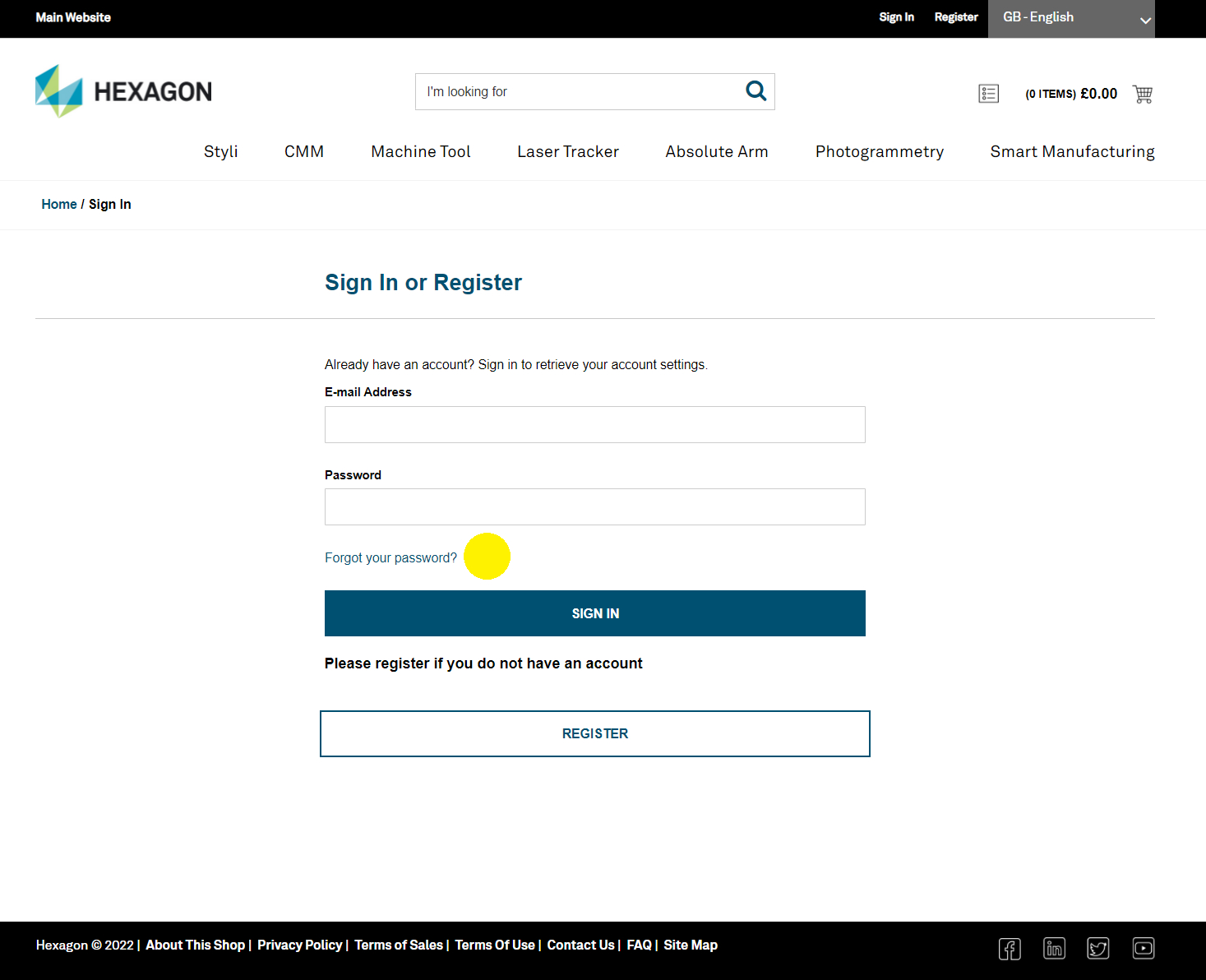
Please make sure you are using the latest version of your browser, as newer versions provide significantly better performance than older ones. Also, ensure that Compatibility View (for older versions) is turned off. You can find this setting in the Tools menu, located to the right of the browser tabs. To reset your password, click the “Sign In” button. On the login page, enter your email address and click “Continue.” Then, select “Forgot password?” and follow the on-screen instructions. Finally, enter the email address where you would like to receive the reset link

To find the right product, you can search by keywords, the full product name, product ID, or Renishaw and ITP part numbers in the central search field at the top of the website. You can also browse the shop using the product category menus below the search bar and apply filters on the left-hand side of the page to narrow your results. If you still can’t find what you’re looking for, please contact your local Hexagon office — we’ll be happy to assist you.
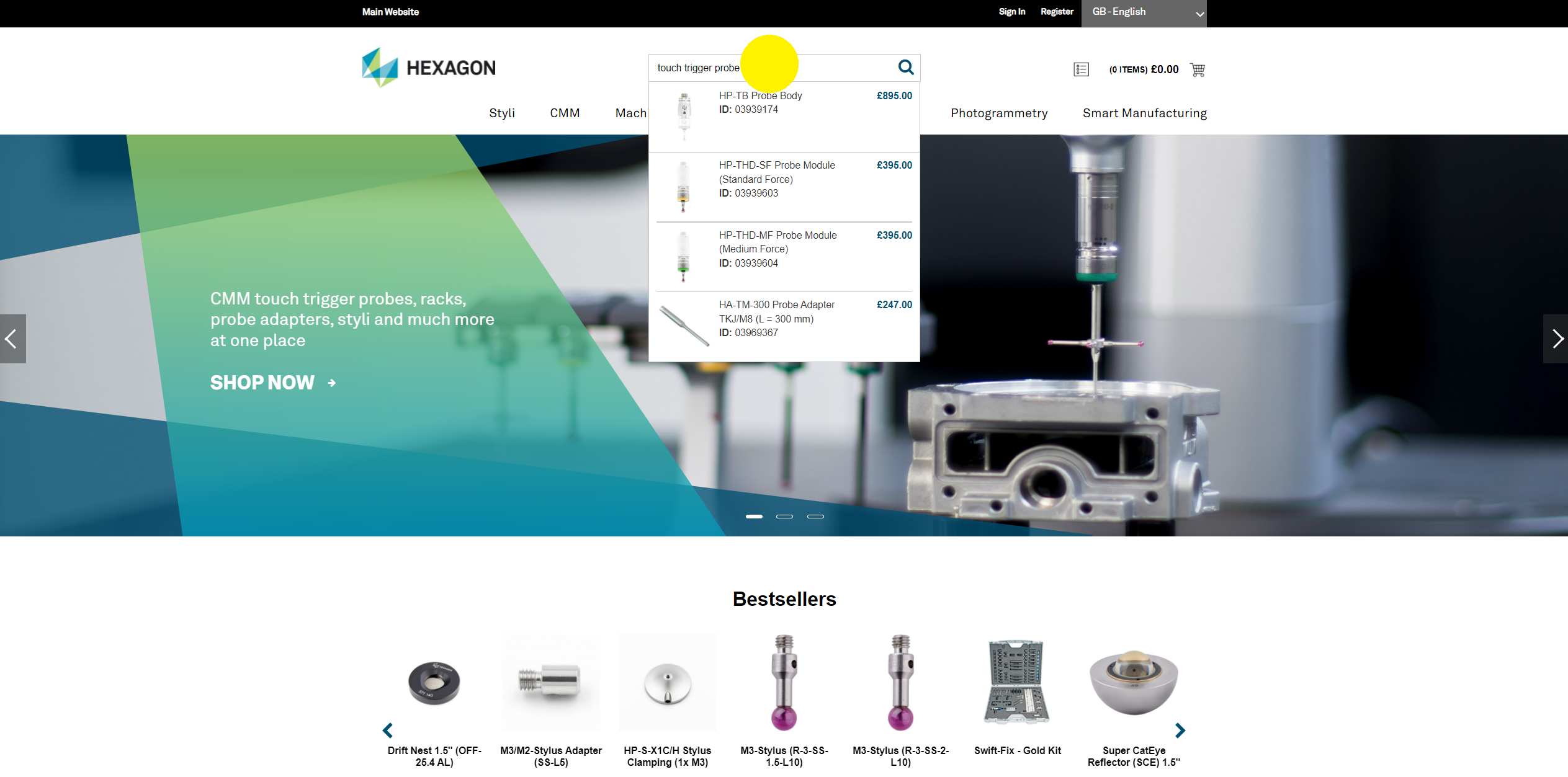
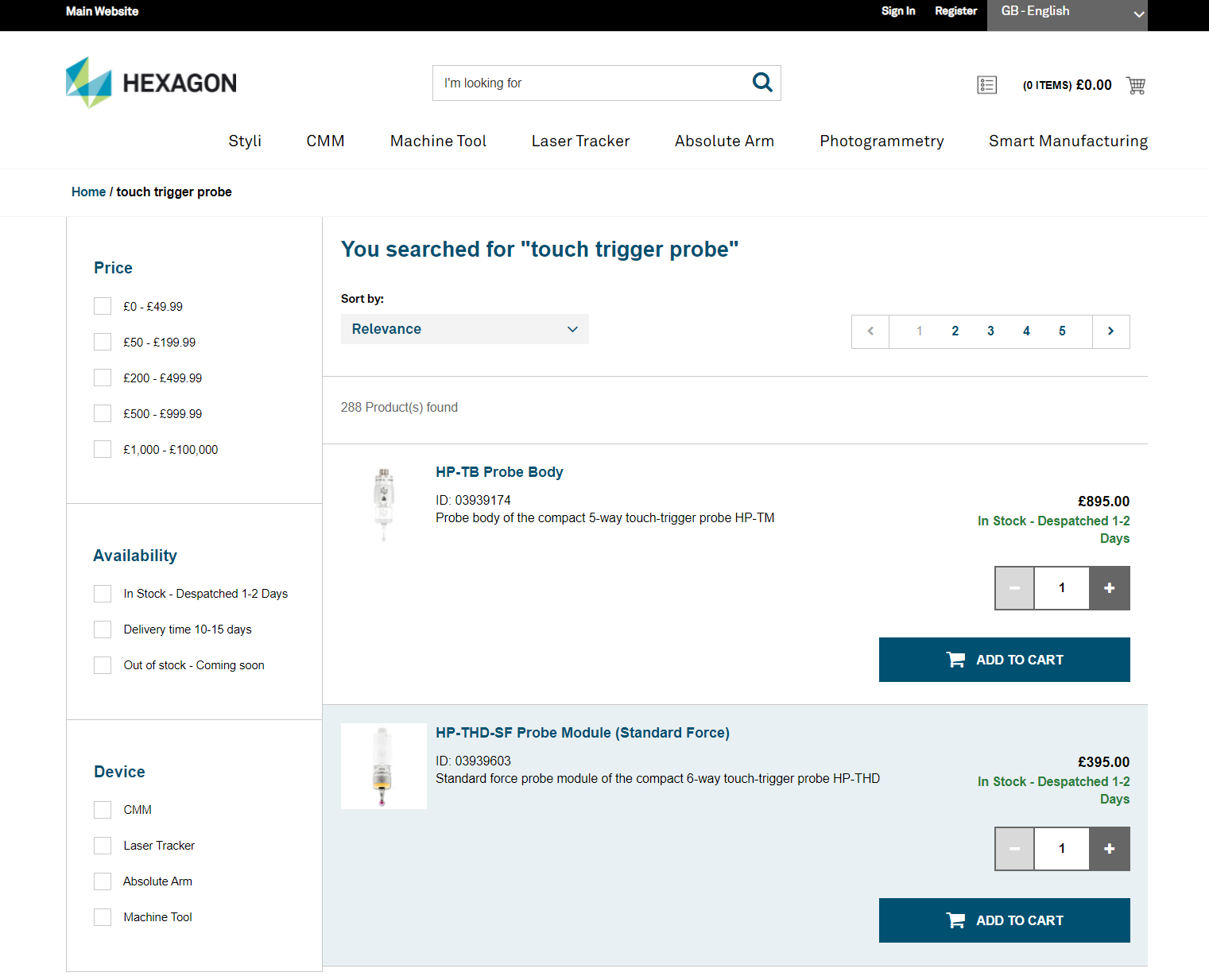

Yes, our online shop also supports searches by Renishaw and ITP part numbers. Simply enter the competitor’s part number into the central search field at the top of the website.
Need More Help?
If you didn’t find the answer you were looking for, feel free to contact our customer support team by creating a support ticket or sending your request via email to your local Hexagon office. We’re here to help!